

Payment Gateway Charges: How NGOs Should Record Them
Online donation reached your bank with some money cut? Learn in simple words how NGOs should record payment gateway charges, with an easy example.
Vivek Bhos
6 min read
Online giving is growing fast. Donors now pay your NGO by UPI, cards and net banking. This is great, but it creates a new accounting question.
A donor gives ₹1,000. Your bank receives only ₹976. Where did the ₹24 go? And how should you write it in your books?
Many NGOs record only the amount that reached the bank. This looks easy, but it is not the right way. In this post, we explain the correct method in very simple words.
What are payment gateway charges?
A payment gateway is the service that collects online payments for you, for example Razorpay, Cashfree, PayU or similar. It takes a small fee for each payment. This fee has two parts:
Gateway fee: a small percentage of the donation, or a fixed amount.
GST on that fee: usually 18% of the gateway fee.
The gateway keeps these charges and sends you the rest. This is called the settlement amount. It usually reaches your bank account after a day or two.
Note: Fees depend on your gateway and payment mode. UPI payments often have little or no charge, while cards and net banking usually have some. Check your own gateway's rates.
A simple example
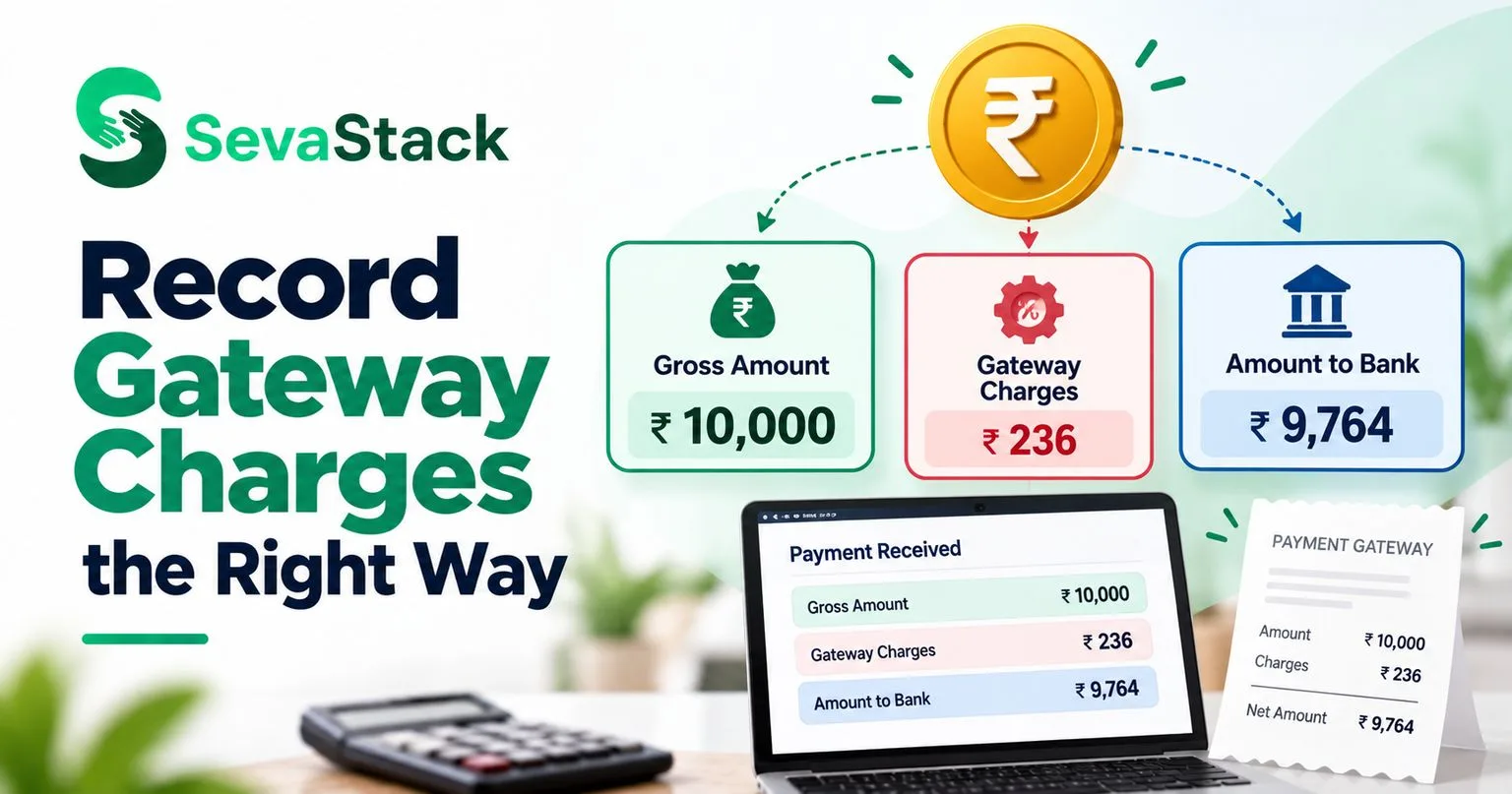
Today, donors give your NGO ₹10,000 in total online.
Item | Amount (₹) |
|---|---|
Total donations received from donors | 10,000 |
Gateway fee (2% of ₹10,000) | 200 |
GST on fee (18% of ₹200) | 36 |
Total charges kept by gateway | 236 |
Money that reaches your bank (settlement) | 9,764 |
The numbers are only an example.
The wrong way
Many NGOs write only ₹9,764 as "donation received".
Why this is wrong:
Your donors actually gave ₹10,000. Your books must show that.
Your income looks lower than it really is.
Your donation receipts and records may not match your books.
Your auditor will ask questions when donor-wise totals do not match the books.
Your expenses are hidden, so you cannot see how much online giving really costs you.
The right way: show the full amount, then the charges
Record it in two parts:
Income: the full ₹10,000 as donations received.
Expense: the ₹236 as "Payment gateway charges".
The bank receives ₹9,764. Your books explain the full story.
How the entries look (simple version)
Entry | Debit | Credit |
|---|---|---|
Money received from donors through gateway | Bank ₹9,764 | |
Gateway charges (fee plus GST) | Payment gateway charges ₹236 | |
Full donations received | Donations ₹10,000 |
Total debits ₹10,000 = total credits ₹10,000. The entry is balanced.
Your accountant may record it in a slightly different way, such as through a "gateway clearing account". The idea is the same: show the full donation and show the charge separately.
What about GST on the gateway fee?
The 18% GST on the fee is part of what the gateway charges you.
If your NGO is not registered under GST, you usually cannot claim it back, so it is simply part of your expense (as in the example above).
If your NGO is registered under GST, ask your CA whether you can claim input credit on it.
Do not guess here. Ask your CA once, and follow the same method every time.
Should the donor's receipt show ₹10,000 or ₹9,764?
The donor's receipt must show the full amount the donor gave, which is ₹10,000 in total (for example, ₹1,000 for a ₹1,000 donor). The gateway charge is your NGO's cost. It does not reduce the donor's gift.
What if the donor pays the fee?
Some donation pages let donors choose to cover the fee. For example, a donor gives ₹1,000 and adds ₹24 so that the NGO gets the full ₹1,000.
The donor's total payment is ₹1,024.
Ask your CA how to treat the extra amount on the receipt. Usually, the full amount the donor gives voluntarily is treated as the donation.
The gateway charge is still recorded as an expense.
Step-by-step: your monthly routine
Step 1: Download the gateway report
Every gateway gives you a settlement report. It shows each donation, the fee, the GST and the amount paid out.
Step 2: Match with your bank statement
One bank credit may include many donations. Match each settlement amount with the report.
Step 3: Record gross donations
Enter donations at the full amount, donor by donor.
Step 4: Record charges separately
Enter the fee and GST under "Payment gateway charges" (or "Bank and gateway charges").
Step 5: Check refunds and failed payments
If a donation was refunded, record it clearly. Do not delete the original entry.
Step 6: Keep the reports safe
Save the monthly gateway report. Your auditor may ask for it.
Common mistakes to avoid
Recording only the net amount. Always record the gross donation.
Hiding the charges. Always show them as a separate expense.
Giving a receipt for the net amount. The receipt should be for the full donation.
Forgetting settlement delays. A donation made on 31 March may reach your bank in April. Ask your CA how to show it at year-end.
Not matching reports with the bank. Small differences become big problems over a year.
Mixing FCRA and local donations. Keep foreign contributions separate.
Quick summary
Gateway charges are the fee plus GST on the fee
The bank gets the net amount, but your books must show the gross donation
Record charges as a separate expense
The donor's receipt is for the full amount given
Keep monthly gateway reports for your audit
Ask your CA about GST credit and year-end entries
Frequently asked questions
How should an NGO record payment gateway charges?
Record the full donation as income and the gateway fee and GST as a separate expense. Do not record only the net amount.
Is the gateway fee a deductible expense for an NGO?
It is a normal cost of collecting donations, and it should be shown as an expense in your accounts. Your CA can confirm how it is treated in your case.
Can an NGO claim GST on the gateway fee?
Only if the NGO is registered under GST and the rules allow it. Ask your CA.
Why does my bank amount not match my donation total?
Because the gateway keeps its fee and GST before sending the money. Check your settlement report.
Do donors pay the gateway fee?
Usually the NGO pays it. Some donation pages let donors choose to add the fee to their payment.
Where will gateway charges show in my accounts?
In the Receipts and Payments Account, the gross donation shows on the receipts side and the charges on the payments side.
Let your software do the matching
Sevastack shows each online donation with its gateway fee, so your gross donation, charges and net settlement stay clear for your CA. Start free and stop matching them by hand.
Vivek Bhos
Written by the Sevastack team, who build and maintain the 80G receipt, FCRA, and Form 10BD/10BE automation used by Indian NGOs on the platform every day. Compliance guidance is reviewed against current Income Tax Act and FCRA rules before publishing.
Read next
Finance
Receipts and Payments Account: A Simple Guide for NGOs
What is a Receipts and Payments Account? Learn in simple words how NGOs prepare it, how it differs from Income and Expenditure, with an easy example.
Finance
Best NGO Accounting Software in India (2026): Simple Guide
Confused about which accounting software to pick for your NGO? Here is a simple 2026 guide to Tally, Zoho Books, Excel and NGO-specific tools in India.
Finance
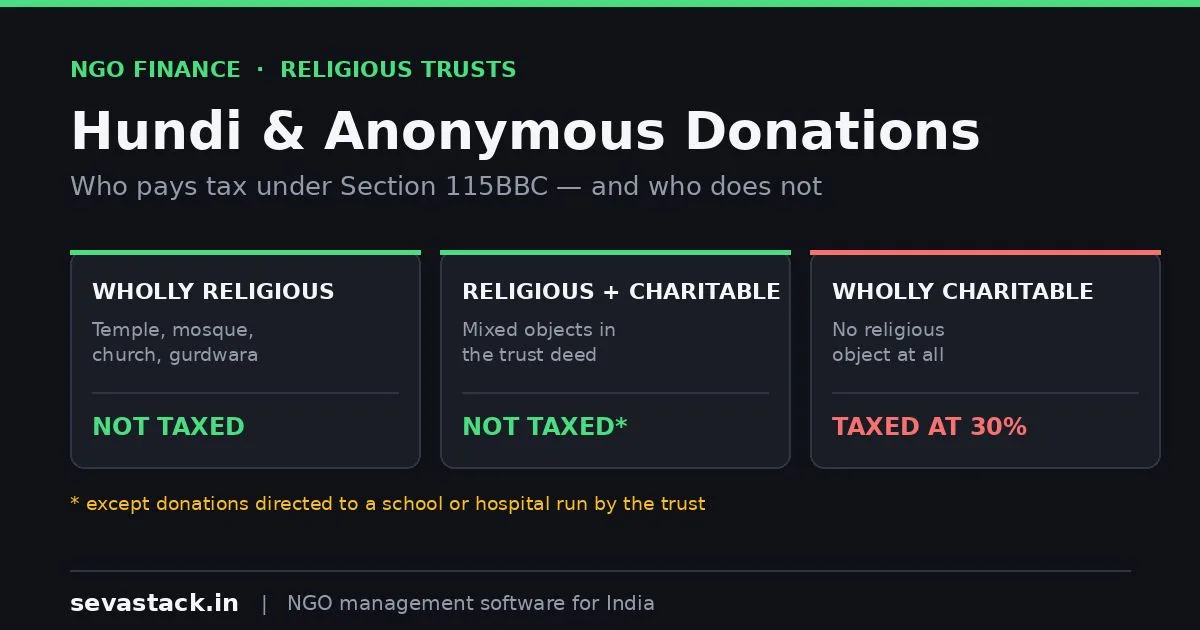
Temple and Religious Trust Accounting: A Practical Guide
Hundi collections, anonymous donations and Section 115BBC explained. Why wholly religious trusts are treated differently, and how to record offerings.
Never miss a filing date
Sevastack keeps your NGO's compliance calendar and reminds you by email and WhatsApp before each return is due. Donors, 80G receipts and accounts sit in the same place.